The Vault / CATx

Blue Patch Fan

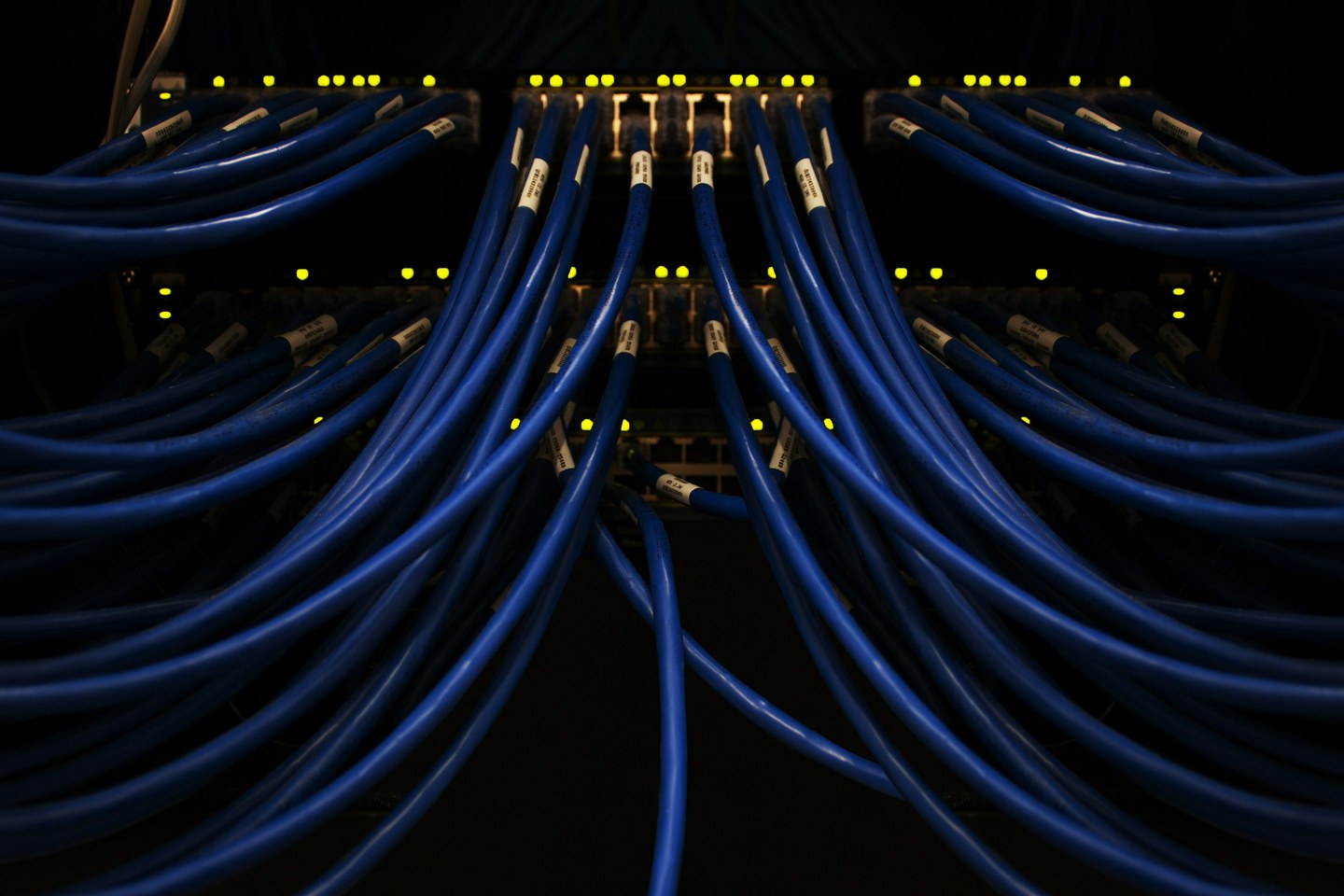
Blue patch cords sweep to either side of the switch while a small group drops down the middle. The LEDs mark the row of connections in the dark rack.

Blue network patch cords fan out from a dark switch with yellow status lights
CATx

Blue network patch cords fan out from a dark switch with yellow status lights.

Photo by Scott Rodgerson · Unsplash License

Installation profile

Feature
Blue Patch Fan
Category
Structured network cabling
Visual focus
A visible port row · Side sweeps · Distinct center drop
Installer credit
Awaiting verified attribution
Is this your work? Claim the credit ↗

Reading the installation

WHAT MAKES IT WORK.

The low angle makes the routing choices easy to compare. The center cords descend in front of the switch, while the outer groups sweep toward the edges.

Clean cable management is more than appearance. A strong installation makes the intended route easy to understand, keeps cable groups visually organized, and applies the same decisions consistently across the work.

This profile describes visible features in the photograph. It is not a test report, code-compliance review, or certification of the installation.
Craft signals

THE DETAILS
THAT HIT.

01

A visible port row

The status lights make the connection line easy to spot.

02

Side sweeps

Outer cords follow similar arcs as they turn away from the switch.

03

Distinct center drop

The center group takes a separate route down the face of the rack.

Credit the installer

KNOW THE CREW
BEHIND THIS WORK?

Send the company, installer, and project details so #CablePorn can give the people behind the craft the recognition they deserve.

Submit the credit ↗